Playables
← All playables
What Was There? cover artwork
Playables

What Was There?.

View a scene briefly then answer detailed questions about what you saw.

How to play What Was There?

Goal

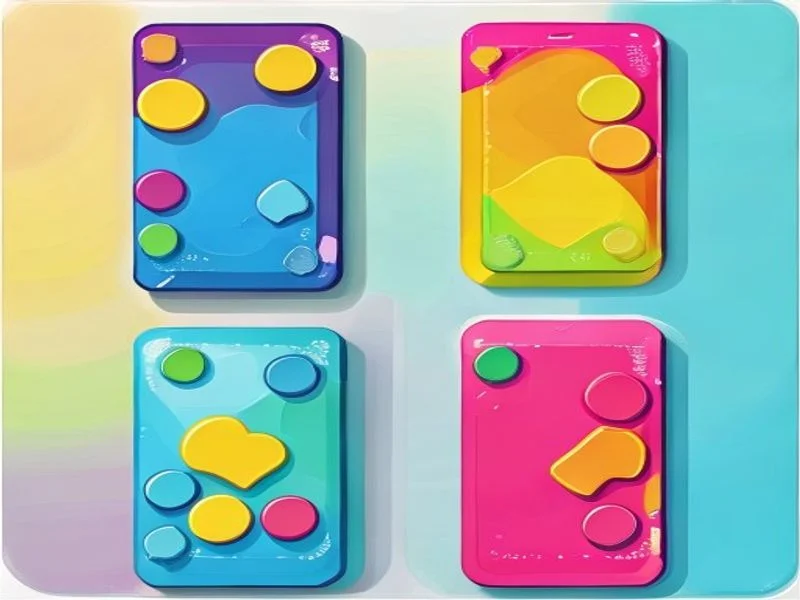
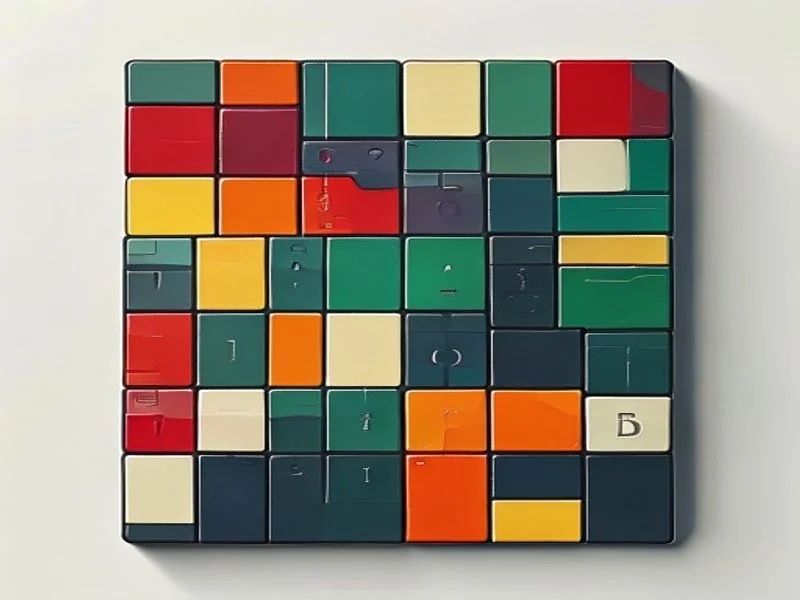
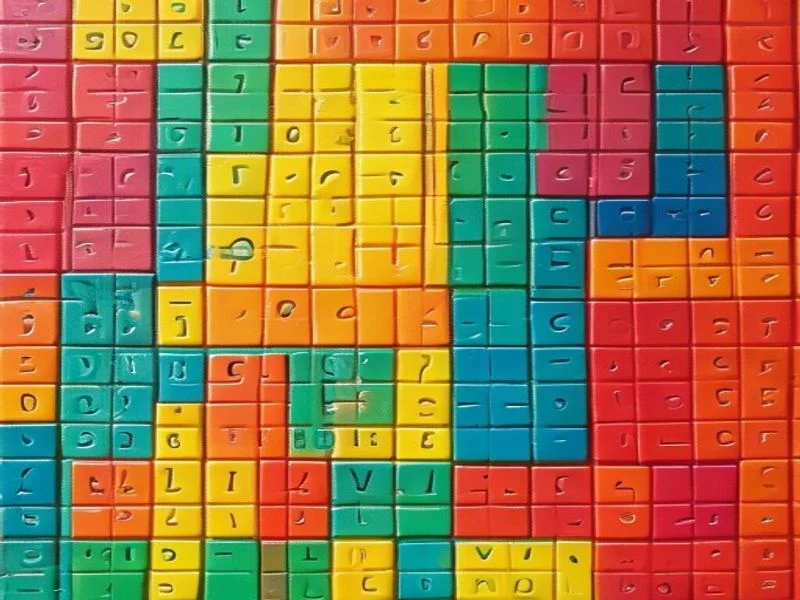
Study a grid of colored shapes for a few seconds, then answer questions about exactly what you saw. Each round tests a different detail — counts, positions, and colors — to stretch your visual memory.

How to play

When the scene appears, memorize it while the timer counts down. When it vanishes, multiple-choice questions appear one at a time. Pick the answer you remember, and you will get instant feedback before the next question.

What you are tested on

Questions ask how many of a given color and shape appeared, what color a specific tile was, or which shape sat in a particular row and column. Reading each question carefully helps you recall the right part of the image.

Winning the challenge

You face several rounds of study-and-quiz. Answering most questions correctly earns a win; scoring below the threshold ends the run. Your best score is saved locally so you can train your memory over time.

Player instructions

Objective

Watch a brief scene of colored shapes, then correctly answer questions about its details — counts, positions, and colors — across several rounds.

Desktop controls

Read and memorize the grid while it is on screen. When the quiz begins, click the answer you believe is correct. You receive instant feedback, then the next question loads automatically. Work through every round to finish.

Mobile & touch controls

Tap the grid to study it, then tap your chosen answer during the quiz. The layout is touch-friendly and sized for phones, with large tappable options and a clear study timer.

Winning conditions

You win if your total correct answers reach the score threshold by the end of all rounds. A higher correct count means a better rating against your saved best.

Losing conditions

You lose if you finish below the required number of correct answers. There is no life bar; the challenge is purely about how much visual detail you retained.

Tips for beginners

  • Scan the whole grid in a fixed order so no region is forgotten.
  • Pay attention to color-and-shape combinations, since counts are common questions.
  • Mentally note one standout tile — its row and column — to anchor your recall.
  • During the quiz, reconstruct the image in your mind before reading options.
  • Focus first on the question type; count questions need totals, position questions need a specific cell.
  • Practice regularly; visual memory improves quickly with short, repeated sessions.

Guides & strategies

Deep-dive articles to sharpen your What Was There? skills.

What Was There — Train Your Visual Memory

How a few seconds of观察 and a handful of questions can sharpen the memory you use every day.

The Basic Idea

What Was There shows you a grid of colored shapes for just a few seconds, then quizzes you on what you saw. It is a pure exercise in visual encoding and recall, the same skills you use to remember a face or a room layout.

What the Quiz Tests

The quiz mixes three question types: counts of a color-and-shape combination, the color of a specific tile, and the shape in a particular row and column. Together they force you to remember both the big picture and precise details.

Why Short Exposure Works

The study time is deliberately short. Brief exposure compels your brain to encode efficiently instead of leisurely inspecting, which is exactly the muscle visual-memory training strengthens. Longer looks would make the recall trivial.

Reading the Questions

Success comes from reading each question before guessing. Count questions need a mental tally, while position questions need you to reconstruct a single cell. Deciding the question type first focuses your recall where it matters.

Building the Habit

Like any memory skill, it compounds with repetition. A few short rounds most days produces noticeable gains, and your saved best score gives you a clear target to beat as your visual recall sharpens.

Visual Memory Techniques That Transfer

Practical tricks for encoding scenes faster and recalling them more accurately under pressure.

Scan in a Fixed Order

Always scan the grid the same way, such as left to right, top to bottom. A fixed path means you are less likely to skip regions and more likely to notice repeats, which helps with count questions.

Chunk the Grid

Break the image into quadrants and memorize one chunk at a time. Holding four small groups is easier than holding sixteen loose tiles, and each chunk becomes a retrievable unit during the quiz.

Anchor on a Standout Tile

Pick one visually distinct tile and lock in its row and column. That anchor gives you a reference point to rebuild the rest of the grid around when the questions start arriving.

Reconstruct Before Answering

Before reading the answer options, close your eyes and reconstruct the scene. Actively generating the image cements it far better than passively hoping it surfaces when you see the choices.

Use Associations

Attach a tiny story or association to a color-and-shape pair, like 'the red circle is the sun'. Lightweight associations make abstract details stick and speed up correct answers.

The Science of Seeing and Remembering

Why visual memory is its own system, and how quick-recall games make it stronger.

A Separate Memory System

Visual memory is partly distinct from verbal memory. Remembering a scene relies on the same networks you use for navigation and face recognition, which is why image-based practice feels different from studying words.

Encoding Under Pressure

Encoding under a time limit forces prioritization. Your brain learns to grab the most informative features first, a skill that helps in real situations where you glimpse something important and must remember it.

Detail vs. Gist

The game trains both gist and detail: counts tap the gist of the whole grid, while position questions demand precise detail. Balancing the two builds a more complete visual memory.

Low-Stakes Practice

Because there is no harsh fail state mid-game, the practice stays low-stakes and enjoyable. Safe-to-fail repetition is exactly what helps memory circuits strengthen without anxiety getting in the way.

Everyday Payoffs

Sharper visual memory pays off daily — recognizing people, remembering where you put things, and reading busy interfaces all become easier. A few minutes of focused recall practice compounds into real-world benefits.

Frequently asked questions

How do you play What Was There?

A grid of colored shapes appears for a few seconds. Memorize it, then answer multiple-choice questions about what you saw — such as counts, colors, and positions — when the image disappears.

What kinds of questions are asked?

Questions cover how many of a particular color and shape appeared, what color a specific tile was, and which shape occupied a given row and column. Each round mixes these question types.

How long do I get to study?

Each scene is shown for a few seconds with a visible countdown. The time is short on purpose, to train quick visual encoding rather than leisurely inspection.

How is the score calculated?

You earn one point for each correctly answered question. Your final score is the total correct across all rounds, compared against your saved best result.

What is the win threshold?

You win by reaching the required number of correct answers by the end of the game. Falling below that threshold ends the run without a win, encouraging sharper recall next time.

Is there a time limit during the quiz?

The quiz itself is untimed so you can recall at your own pace, but the study phase is strictly timed. The challenge is retention, not racing the clock while answering.

How many rounds are there?

The game presents several study-and-quiz rounds, each with its own scene and set of questions, so you get repeated practice encoding and retrieving visual detail.

Can I replay a scene?

No. Each scene appears only once to keep the memory challenge honest. The brief exposure is what makes the recall questions meaningful and worth practicing.

Does my best score save?

Yes. Your best score is stored in your browser's local storage and persists between visits. Clearing your browser data resets it because the score lives on your device.

Is this game good for memory training?

Yes. It specifically trains visual working memory and recall under time pressure, skills that support everyday tasks like remembering faces, layouts, and details.

Can I play on mobile?

Yes. The grid and answer buttons are fully responsive and touch-optimized, making it easy to study and answer with taps on a phone or tablet.

What shapes and colors are used?

Scenes combine a small palette of distinct colors with simple shapes such as circles, squares, and triangles, so each tile is easy to perceive but varied enough to test recall.

How can I improve my score?

Use a consistent scan order, notice color-and-shape combinations, and anchor your memory on a standout tile. Regular short sessions build visual memory faster than occasional long ones.

Is there a fail state mid-game?

No. You continue through all rounds regardless of earlier mistakes; only the final total determines win or loss. This keeps the focus on practice rather than pressure.

Why is the study time so short?

Brief exposure forces your brain to encode efficiently, which is exactly the skill visual-memory training builds. Longer study would make the recall questions trivial.

Is What Was There free to play?

Yes. It runs in your browser with no account, no download, and no cost. Open the page and start training your visual memory immediately.

Can two people play together?

The single-player version tracks your best score, but you can pass the device and compete with a friend to see who recalls the scene more accurately.